

How to Inventory & Track a Multi-Game Collection
Once you're collecting across more than one TCG, a real inventory system stops being optional — here's how to build one that actually keeps up.
Tracking a single-game collection casually is manageable with memory and rough intuition. The moment you're collecting across two or more trading card games — Pokémon and Magic, Lorcana and Gundam, or any other combination — that informal approach stops working. Different rarity systems, different value structures, and simply more total cards make an ad hoc mental inventory unreliable fast.
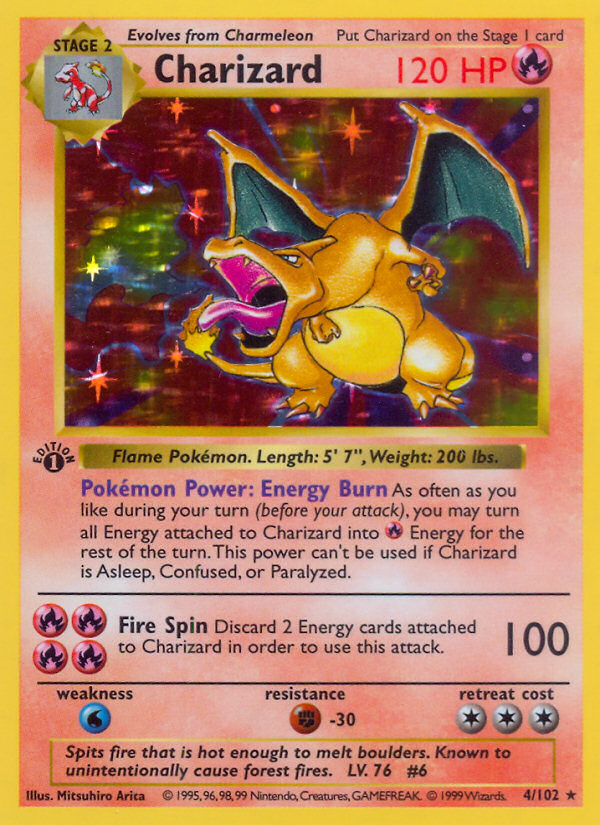
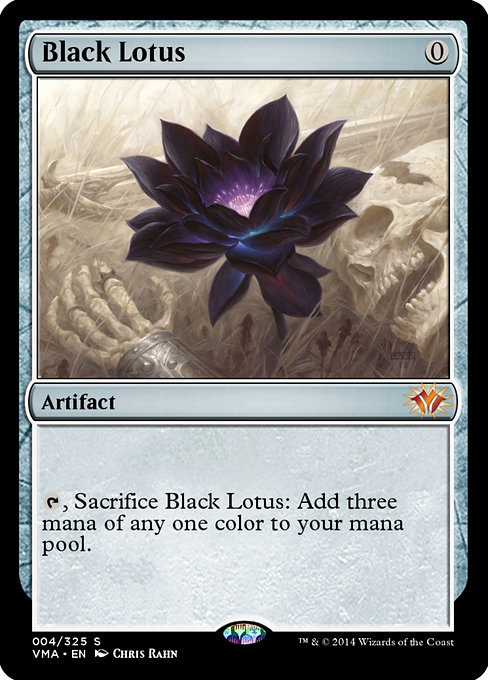
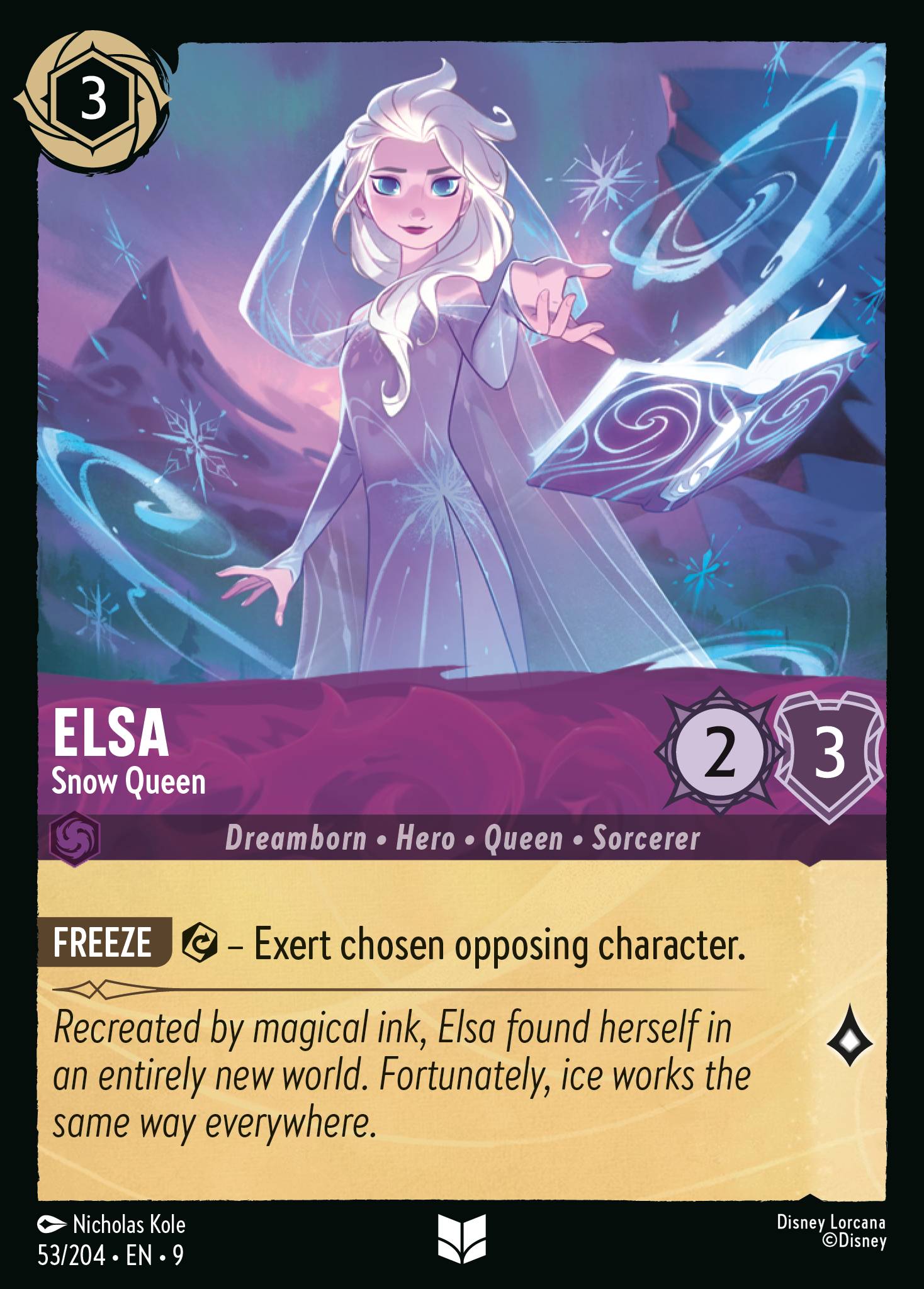
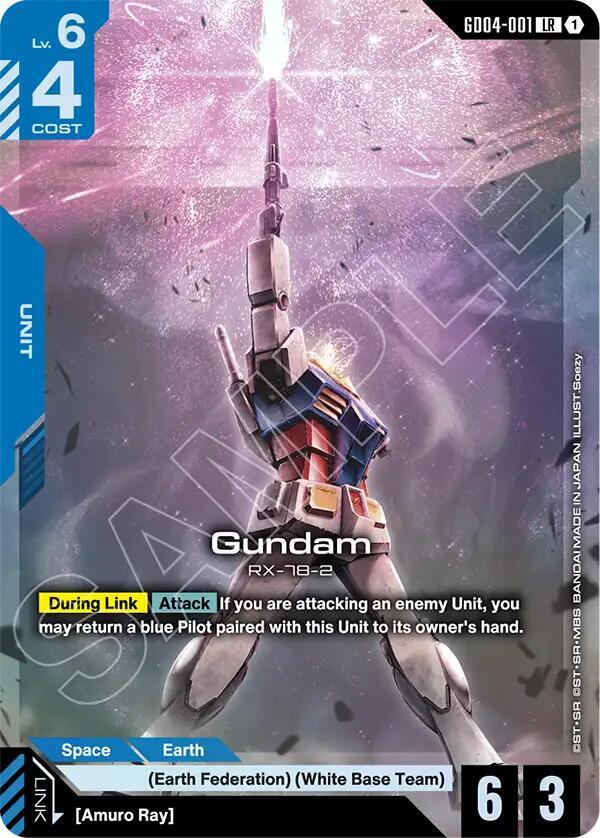
A real inventory system doesn't need to be complicated, but it does need to be consistent and actually maintained. This guide covers what a workable system looks like and the habits that keep it useful over time.
Here's how to build one that survives contact with an actual growing collection.
→ Short Version
A spreadsheet is genuinely sufficient for most collectors — you don't need specialized software unless your collection is large enough to justify the learning curve. Track condition and acquisition cost alongside the card itself, not just what it is — that data matters far more later than it seems to in the moment. Consistency matters more than the specific tool — an inventory you actually update beats a more sophisticated one you abandon after a month. Separate by game first, since different TCGs have different rarity and condition-grading conventions that don't translate cleanly into one unified system.
→ Related Reading
In This Guide
Why Informal Tracking Stops Working
Memory and rough intuition work fine for a small, single-game collection you interact with regularly. Once you're collecting across multiple games, the informal approach breaks down for a specific reason: each game has its own rarity terminology, condition standards, and value drivers, and trying to hold all of that mentally across multiple games at once is where mistakes creep in — duplicate purchases, forgotten cards, and genuine uncertainty about what you actually own.
A real inventory system solves this by moving the tracking burden off memory and onto a structured, searchable record — one you can actually check before buying a card you might already own, or when you need to know your collection's approximate total value.
The tipping point usually arrives faster than people expect. A collector who picks up a second game often doubles their total card count within a few months, and the two games' cards get stored in separate locations with separate organizational logic. Without a centralized record, you end up relying on physically checking multiple binders and boxes just to answer a basic question like whether you already own a specific card — and that friction compounds every time you consider a purchase, trade, or sale. The time cost of not having an inventory is invisible until you add it up, and by then you have already made duplicate purchases you did not need to make and missed sell opportunities on cards you forgot you owned.
Spreadsheet vs Dedicated Software
A well-organized spreadsheet is genuinely sufficient for the large majority of collectors, including multi-game collectors with several thousand cards. It's flexible, requires no specialized learning curve, and works with tools most people already have access to.
Dedicated collection-tracking software or apps can offer real conveniences — barcode scanning, automatic price updates, mobile access — but they come with a learning curve and sometimes a subscription cost. They make more sense once a collection is large enough, or valuable enough, that those conveniences meaningfully save time compared to a spreadsheet. Don't feel pressure to adopt specialized software before your collection actually justifies it.
If you do want game-specific tools: Moxfield and Archidekt are strong options for Magic collections, the TCGplayer app has a built-in collection tracker that works across multiple games, and Pokellector covers Pokémon set completion tracking specifically. For a cross-game collection, a Google Sheets or Excel workbook with separate tabs per game remains the most flexible starting point — no subscription, no lock-in, and easy to back up. If you're tracking a collection you also sell out of, our budget tools for TCG sellers covers the wider kit.

| Approach | Cost | Multi-Game? | Best For | Limitation |
|---|---|---|---|---|
| Google Sheets / Excel | Free | Yes — separate tabs per game | Most collectors; full flexibility | Manual entry; no barcode scanning |
| TCGplayer App | Free | Yes — Pokémon, MTG, Yu-Gi-Oh, Lorcana | Quick scanning with price lookups | Tied to TCGplayer's catalog and pricing |
| Moxfield / Archidekt | Free (premium tiers available) | MTG only | Magic players who also build decks | Single-game; won't cover your other TCGs |
| Pokellector | Free | Pokémon only | Set completion tracking | Single-game; no value/cost tracking |
| Dedicated Portfolio Apps | $5–15/month typical | Varies | High-value collections needing price alerts | Subscription cost; overkill for casual collectors |
What to Actually Track Per Card
At a minimum, track the game, the card's exact name and set, condition, and where it's physically stored. This alone solves the "do I already own this" problem and helps locate a specific card quickly when you need it.
Beyond the basics, tracking acquisition cost and acquisition date is worth the small extra effort — this data matters far more later than it seems to in the moment, whether you're calculating your collection's cost basis, deciding what to sell, or just satisfying your own curiosity about how a specific purchase has performed over time.
If you're tracking anything valuable enough to consider grading eventually, note whether it's currently raw or already slabbed, and if slabbed, the grading company and grade — this saves real confusion later when you're deciding what to do with a specific card.
| ☐ | Field | Priority | Why It Matters |
|---|---|---|---|
| ☐ | Game | Essential | Primary division — different games have different rarity and condition scales |
| ☐ | Card Name + Set | Essential | Exact identification — prevents duplicate purchases |
| ☐ | Collector Number | Essential | Distinguishes alternate art or variant printings with the same name |
| ☐ | Condition | Essential | Directly affects value — see our condition scale guide |
| ☐ | Storage Location | Essential | Find any card in under a minute — pairs with your binder/box system |
| ☐ | Acquisition Cost | Recommended | Cost-basis tracking; essential for sell decisions and insurance claims |
| ☐ | Acquisition Date | Recommended | Tracks how long you've held a card; useful for spotting trends |
| ☐ | Quantity | Recommended | Catches duplicates and tracks playsets vs singles |
| ☐ | Grading Status | If Applicable | Raw vs slabbed; grading company and grade if slabbed |
Separate by Game First
Structure your inventory with game as the primary division — separate sheets or sections for Pokémon, Magic, Lorcana, and any other games you collect — rather than trying to force every game's cards into one unified table with identical columns. Different games have different rarity naming, different standard condition scales, and different relevant metadata (a Pokémon card's holo status matters in a way that doesn't map directly onto a Magic card's foil status, for instance).
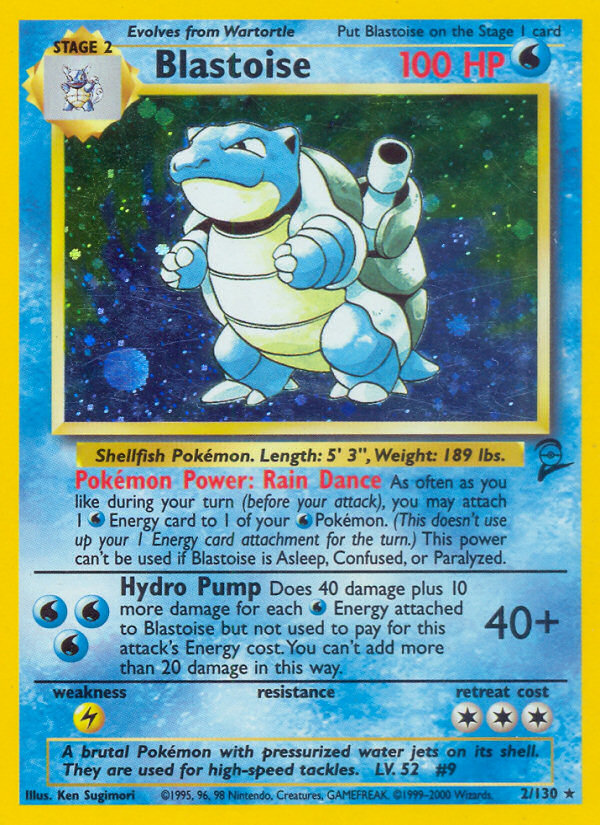
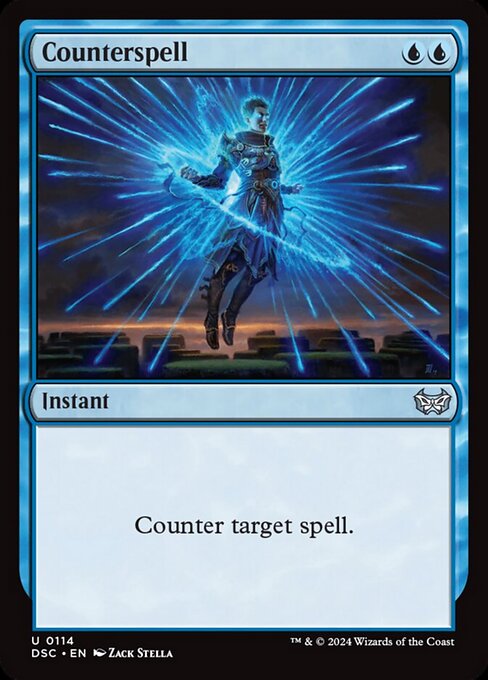
Trying to force every game into identical columns usually means either losing game-specific detail that actually matters or ending up with a confusing spreadsheet full of columns that are blank for most games. Separate sections solve this cleanly, and a shared summary tab pulling total value from each game-specific section still gives you a genuinely useful cross-game overview without sacrificing any of the per-game accuracy you actually need.
Building a Habit That Actually Sticks
The best inventory system is the one you actually keep updated. A simple spreadsheet you update every time you buy or sell a card beats a more sophisticated system you set up once and abandon within a month. Build the update step into your buying process itself — log the purchase the same day you make it, rather than planning to batch-update later.
If your inventory has already fallen behind, a periodic full-collection audit — going through everything you physically own and reconciling it against your records — is worth doing occasionally even if you're generally good about logging new purchases, since small gaps do accumulate over time.
One practical trick that helps the habit stick is keeping your inventory accessible on your phone while you are at a card shop or browsing online listings. Being able to check your records in real time, before committing to a purchase, transforms the inventory from a passive record into an active decision-making tool. If checking your inventory requires opening a laptop and navigating to a file, you will skip it when you are standing at a vendor table with a line behind you. If it is a Google Sheet already open on your phone, you will actually use it. The difference between a maintained inventory and an abandoned one often comes down to exactly this kind of access friction.
Backing Up Your Inventory
An inventory of a genuinely valuable collection is itself worth protecting. Cloud-based spreadsheet tools handle this automatically in most cases, but if you're working from a local file, keep a backup somewhere separate from your primary device — the same discipline you'd apply to any other important personal record.
This matters most in exactly the scenario where you'd need the inventory most urgently — a loss, theft, or insurance claim on the physical collection is precisely when having an accurate, accessible record makes the biggest practical difference — the record complements the physical protection rather than replacing it.
Do This
- Start with a spreadsheet — it's genuinely sufficient for most collectors
- Separate tabs/sections by game — different games need different fields
- Log every purchase the same day you make it
- Track acquisition cost — you'll thank yourself later at sell/insurance time
- Back up cloud or local files regularly — your inventory IS your collection record
Avoid This
- Building an elaborate system you won't maintain — simple and updated beats fancy and abandoned
- Forcing all games into one unified table — different rarity systems need different columns
- Planning to "batch update later" — the backlog never gets done
- Skipping condition notes — the gap between NM and LP can be substantial
- Paying for dedicated software before your collection size actually justifies it
FAQ
- Do I need dedicated collection-tracking software? Not for most collections — a spreadsheet is genuinely sufficient for the majority of collectors, including multi-game ones. Dedicated software makes more sense once your collection's size or value justifies the learning curve.
- How often should I do a full inventory audit? There's no fixed rule, but an occasional full reconciliation — checking your physical collection against your records — catches the small gaps that accumulate even with generally good logging habits.
- Should I track estimated current value, not just acquisition cost? It's useful but requires ongoing maintenance to stay accurate, since card values shift over time. Acquisition cost alone is lower-maintenance and still valuable for cost-basis tracking, so weigh the extra effort against how often you actually need current value.
- What's the biggest mistake collectors make with inventory systems? Building an elaborate system once and then not maintaining it. A simple system you actually update consistently is far more useful than a sophisticated one you abandon after the initial setup.
Simple and Maintained Beats Sophisticated and Abandoned.
A workable multi-game inventory system doesn't need to be complicated — a spreadsheet separated by game, tracking condition, storage location, and acquisition cost, covers most of what actually matters. The real differentiator between collectors with a useful inventory and those without one isn't the sophistication of the tool — it's whether they actually keep it updated.
Build the habit into your buying process from day one, and the system will still be useful a year from now instead of an abandoned spreadsheet from three months ago.
© GEEKYDOMAIN.COM | Strategy Powered by Data